How Should You Check an Oopbuy Spreadsheet for Shoes?
Quick answer
Check an Oopbuy spreadsheet shoe row by matching the exact model, style, color, size system, product photos, listed-price reference, itemID, and original marketplace source. A useful row should make missing details visible instead of filling them with assumptions. Open the source page and compare every field before relying on the row. A spreadsheet can organize shoe research, but it cannot confirm current availability, fit, image origin, product condition, or Oopbuy handling by itself.
Begin With a Complete Shoe Identity
A shoe name alone is not enough. One model can appear in several colors, materials, releases, or seller listings. A useful spreadsheet row should let you identify the exact version without depending on a small thumbnail.
Record these fields first:
If the row says only “white shoe,” “new runner,” or “best batch,” it does not provide a stable product identity. Promotional labels are not a replacement for the source title or item identifier.
Keep similar products separate. Two shoes may look alike while using different itemIDs, sizes, colors, or source pages.
brand or maker name as displayed;
complete model name;
color or colorway wording;
style, version, or seller option label;
product type, such as running shoe, slide, or tennis shoe;
original-language title when available;
marketplace itemID;
complete source URL.
Open the Original Source Link
The source link is the row's most important verification path. It lets you compare the spreadsheet entry with the current marketplace record.
Check the destination domain and save the complete URL. For a Weidian page, look for the numeric itemID in the address. Compare that number with any itemID written in the spreadsheet. A mismatch means the two records need separate review.
Compare the visible title, seller context, images, price, and option labels. A working URL only shows that the page responded when checked. It does not confirm option availability or support elsewhere.
If the page fails, record the exact state and check date. An expired link, removed item, login screen, empty page, and identifier mismatch are different problems.
For a detailed source-record method, use the Oopbuy Weidian link guide.
Identify the Type of Every Image
An Oopbuy spreadsheet for shoes may show several kinds of images:
These images do not prove the same thing. A clean seller photo may help identify the intended style. A warehouse photo may show the visible item connected to a later record. A size-label photo may support one measurement comparison. None of them should be relabeled without a source.
A useful row should name the image type and source. If “QC” is not connected to an itemID, option, date, and warehouse record, call it a product photo or visual reference.
Use the Oopbuy spreadsheet-with-QC checklist when you need to evaluate image provenance and row completeness in more detail.
seller listing photos;
CuriCart product photos;
spreadsheet thumbnails;
community-submitted photos;
warehouse-issued QC photos;
measurement or label photos.
Read Size Labels Without Guessing
Shoe rows often combine EU, US, UK, CM, JP, men's, and women's labels. These labels must stay attached to the system shown on the source page.
Do not assume that a bare “42” means the same thing in every row. Do not treat a CM label as foot length unless the current chart defines it that way.
For each row, record:
If the spreadsheet and source page disagree, preserve both values and mark the difference.
The Oopbuy shoe size label guide explains how to keep labels, charts, foot measurements, and image measurements separate.
the exact size label;
the named size system;
whether the option is men's, women's, unisex, or undefined;
any centimetre measurement and what it measures;
the visible minimum and maximum options;
the source of any conversion.
Treat Price as a Dated Reference
A spreadsheet price is a dated reference. Record the currency, displayed amount, source, relevant option, and check date. A single number may not represent the current option or final amount.
If the row and source differ, keep the earlier value and record the new source state and date.
Check Row Freshness Field by Field
An “updated” badge is too broad. A strong shoe row shows when its key fields were checked.
Useful date fields include:
One current field does not make every field current. A working link may have a changed price or size range. If no check date appears, treat freshness as unknown.
source URL checked;
itemID matched;
price reference checked;
size options checked;
image source checked;
row last edited.
Compare the Row With a Simple Worksheet
Use one line for the spreadsheet and one for the live source page. Then compare the fields side by side.
|---|---|---|---|
Use “Unknown” when the page does not define a field.
Field — Spreadsheet row — Current source page — Result
Complete model — Record exact wording — Record exact wording — Match / Different / Unknown
Style or color — Record visible option — Record current option — Match / Different / Unknown
ItemID — Copy the number — Extract from URL — Match / Different / Unknown
Image type — Record label and source — Identify page source — Clear / Unclear
Size system — Record labels — Record chart or options — Match / Different / Unknown
Listed price — Amount, currency, date — Amount, currency, date — Match / Changed / Unknown
Link state — Last recorded state — Current state — Working / Changed / Unknown
Related Shoe Research Examples
Current CuriCart shoe pages can be used to practise these checks. They do not prove inclusion in an Oopbuy spreadsheet.
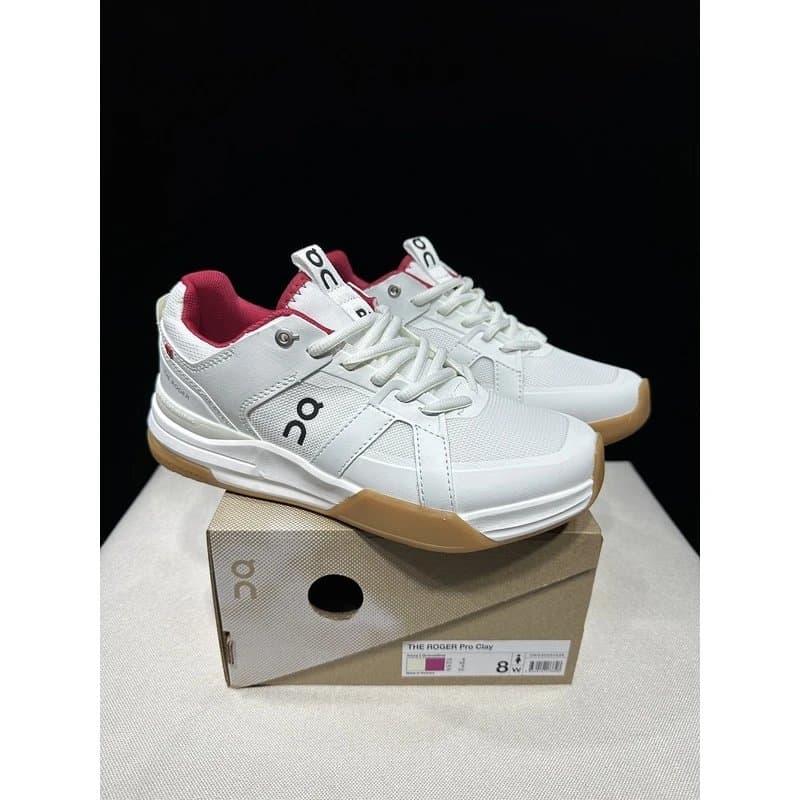
THE ROGER Clubhouse Pro - Style 30
The current CuriCart page shows product photos, a listed reference of approximately $240, Style 30, size labels including EU36=WUS5=UK3=JP22, and Weidian itemID 7805795543. View the current product record.
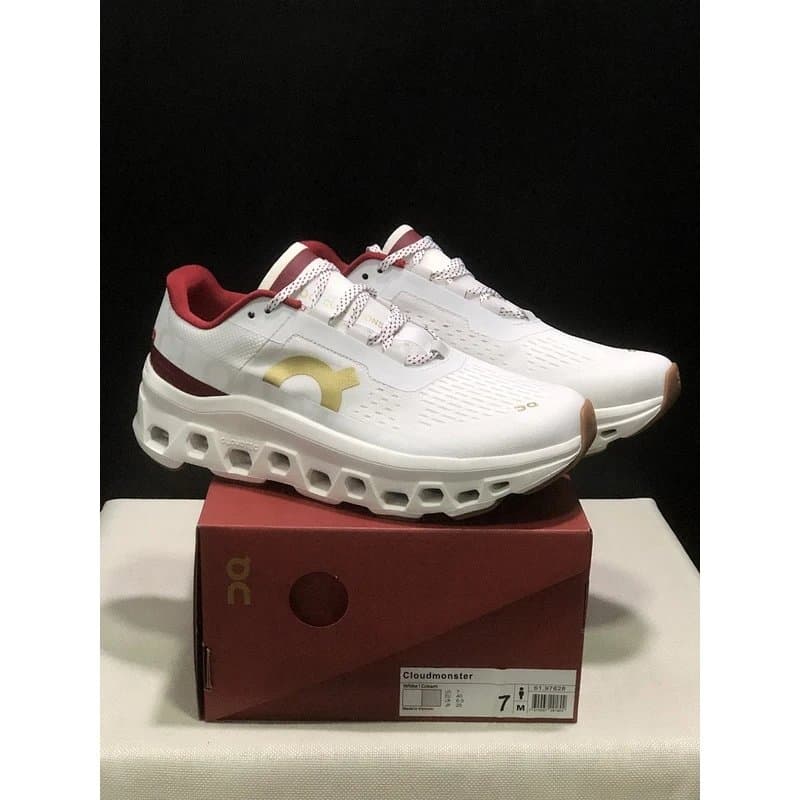
On Cloudmonster 1 White Gray - Style 21
The page shows product photos, a listed reference of approximately $240, Style 21, size labels including EU36=WUS5=UK3=JP22, and Weidian itemID 7808777696. Compare the source and option context.
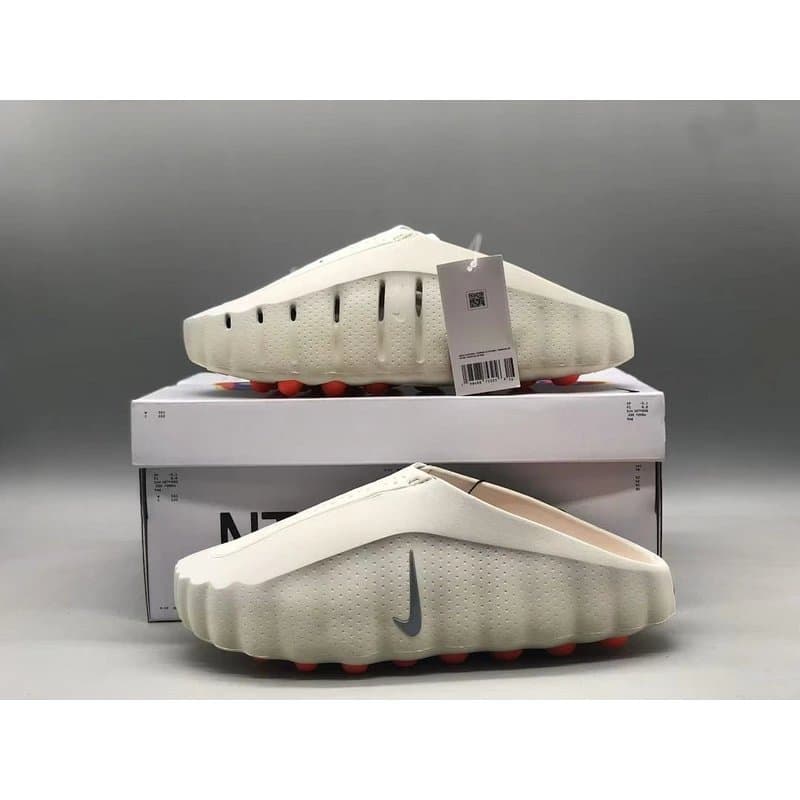
Nike Mind 001 Slides - Style 16
The current record shows product photos, a listed reference of approximately $300, Style 16, size labels including EU36=US4=UK3.5=CM23.0, and Weidian itemID 7805487415. Review the product fields.
You can also browse the current CuriCart Shoe category for more records. Recheck every page before using it as a spreadsheet example.
Common Spreadsheet Mistakes
Ranking rows by popularity alone
Views or social mentions do not replace source, itemID, option, photo, price-date, and link checks.
Using one image to identify a shoe
Compare the title, style, itemID, options, and several visible angles.
Calling all images QC photos
Without clear warehouse provenance, use “product photo” or “visual reference.”
Converting sizes before reading the chart
Record the source label and measurement meaning before converting.
Treating the listed price as permanent
Keep currency, amount, source, and date together.
Hiding broken or changed links
Record the link state and what changed.
Shoe Row Checklist
Before relying on a row, confirm that it includes:
complete model and style wording;
original-language title when available;
full source URL;
matching itemID;
image type and source;
visible color or style option;
named size system;
visible size range;
defined centimetre field, if used;
listed-price reference with currency and date;
current link state;
last checked date;
clear Unknown labels for missing fields.
What a Shoe Spreadsheet Cannot Prove
A spreadsheet cannot prove current availability, fit, comfort, hidden construction, durability, seller reliability, authenticity, or final price. It also cannot confirm whether Oopbuy currently accepts or handles a source link.
Use the spreadsheet to organize research. Use the current source page to verify the listing record. Keep later warehouse images and platform information as separate evidence.
Related product research
Browse related product categories and examples while checking this question.
What should an Oopbuy spreadsheet shoe row include?
It should include the complete model, style or color, source URL, itemID, image type, size system, visible option range, listed-price reference, link state, and check date. Missing fields should be marked Unknown.
Are spreadsheet shoe photos always QC photos?
No. They may be seller photos, product images, community photos, thumbnails, or warehouse-issued images. The row should identify the source before using the QC label.
How do I check the size in an Oopbuy shoe spreadsheet?
Copy the exact option label and named size system. Compare it with the current source chart or option list. Do not guess what a bare number or centimetre value measures.
Does a working source link mean the shoe is available?
No. It shows only that the page responded when checked. Confirm the current options and visible page state, and keep current availability unconfirmed unless the live record defines it.
Can a spreadsheet tell me which shoe is the best choice?
It can organize product and source information. It cannot prove fit, quality, authenticity, seller reliability, or which option is right for you.